

Booking pages built for career services, not bolted on.
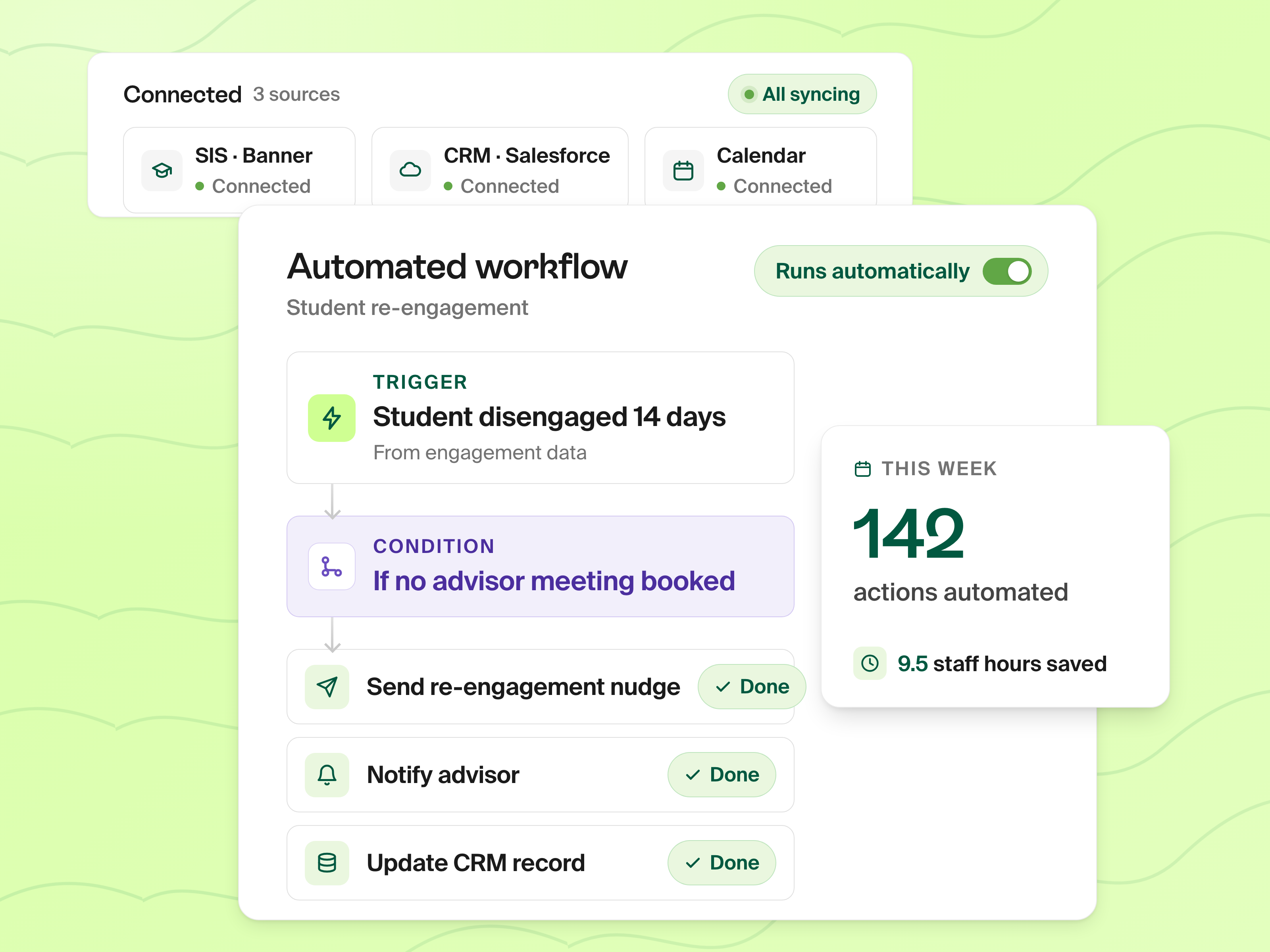
Drop the Calendly subscription and the shared availability spreadsheet. Prentus Advisor Scheduling gives every advisor a personal booking page, shared queues for drop-in hours, automatic reminders, and full student context loaded alongside every meeting.
0
Calendly subscriptions needed
↑
No-shows drop with auto reminders
1
Source of truth across the career team
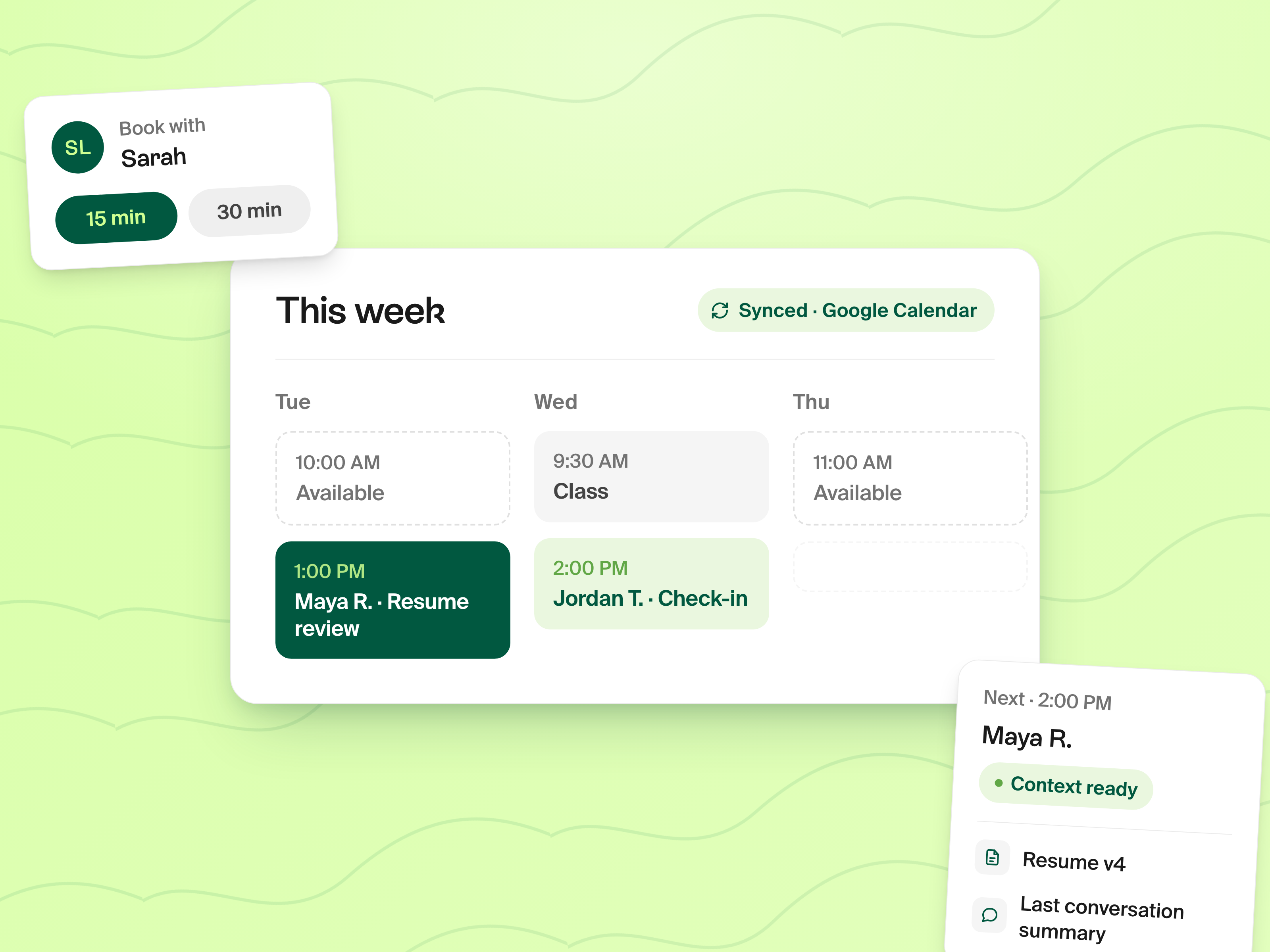
Per-Advisor Booking
Each advisor gets their own page.
Configure your availability windows, buffer time between meetings, daily caps, and meeting-type defaults (15-min check-in vs. 45-min strategy session). Students book directly through your link: no back-and-forth email about "do you have time Tuesday?"
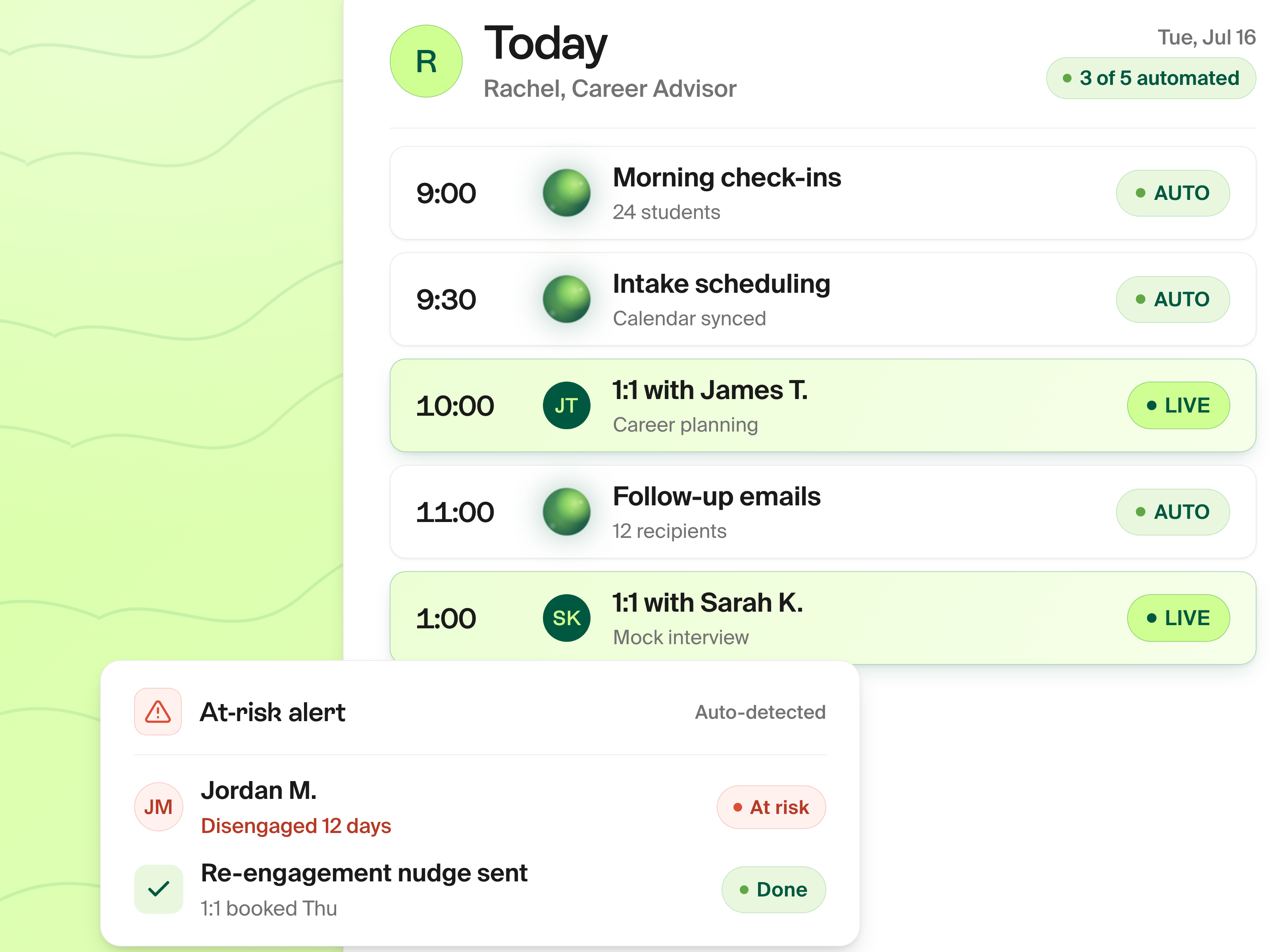
Drop-in Hours
Shared queues replace the sign-up sheet.
Drop-in hours run as a shared queue. Students join the queue, advisors pick up the next student when they're free, and everyone sees their position in real time. No more printed sign-up sheets, no more students waiting an hour because they didn't know the order. Works for in-person and virtual.
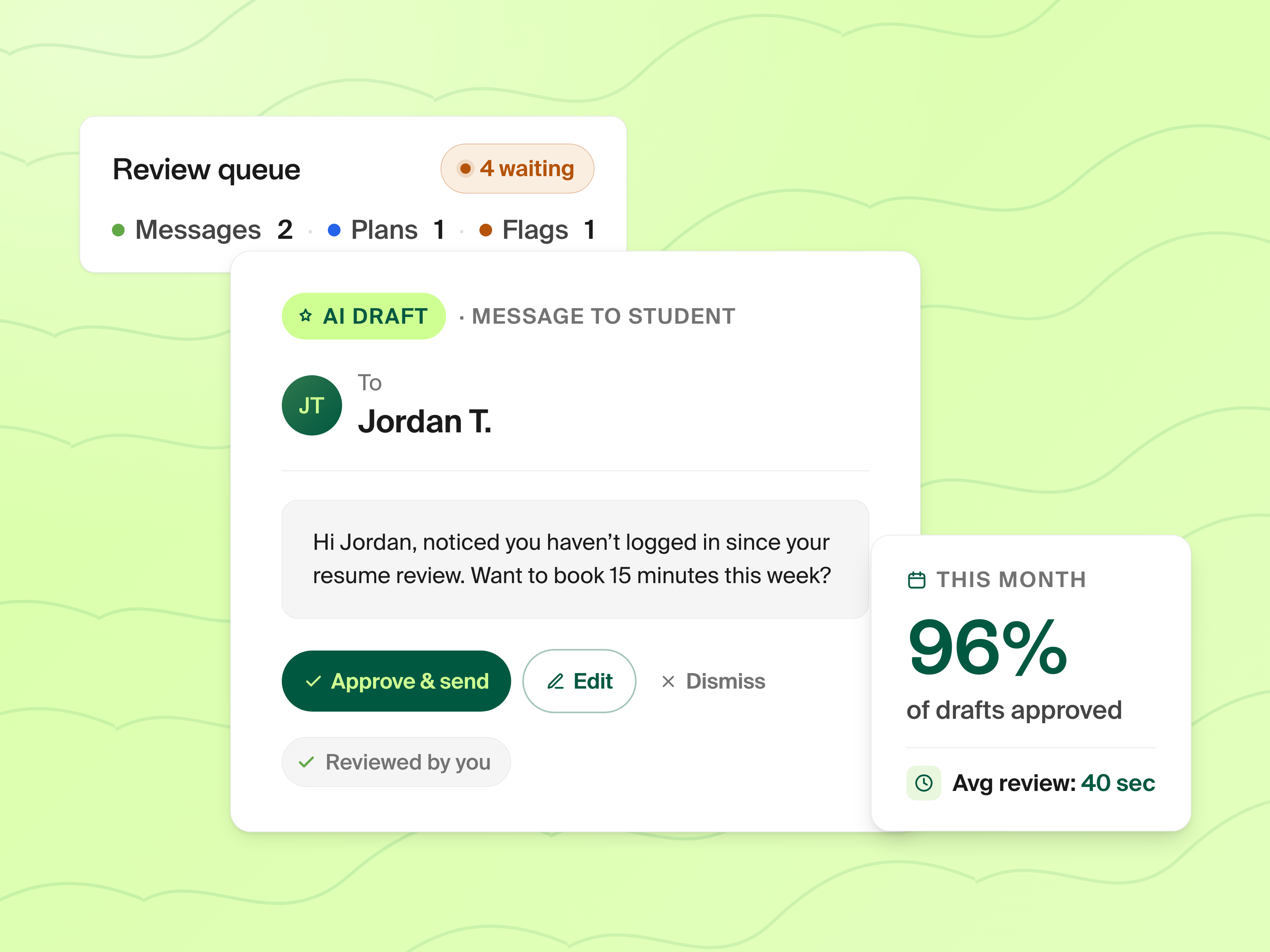
Context Loads With the Meeting
Walk into every meeting prepped.
When a student books, the meeting invite includes a link to their Prentus profile, current resume, recent mock interview scores, application activity, and your prior notes. Advisors stop spending the first 10 minutes of every meeting re-orienting. The student's context loads with the calendar invite.
Built for Career Services
Session types configured the way you actually run them.
Each session type carries the configuration career services teams have always wanted from a generic scheduler:
- ·Duration, buffer, and minimum notice: configurable per session type so 15-minute check-ins and 45-minute strategy sessions can live side-by-side
- ·Required materials: require students to submit a Prentus profile, resume, or LinkedIn before booking a resume review or interview prep
- ·Eligibility filters: restrict bookings by program, member tag, or location so the right students see the right sessions
- ·Pre-meeting checklists: shared with students at booking so everyone walks in prepared
- ·Default meeting location: Zoom link, office room, drop-in zone, anywhere
- ·Auto-approve vs. manual approval: low-friction booking for standard sessions, advisor-gated for higher-touch ones
- ·Admin-initiated booking: staff can book sessions on behalf of students directly from the jobseekers view
Frequently Asked Questions
How is Prentus Advisor Scheduling different from Calendly?
Can students book group sessions?
Are reminders sent automatically?
Can advisors see student context before meetings?
What about drop-in hours?
Can we integrate with our existing calendar?
Ready to see it in action?
Schedule a 30-minute demo and we will show you how Advisor Scheduling fits into your career services workflow.
Book a Demo