

Every application tracked. Every student visible.
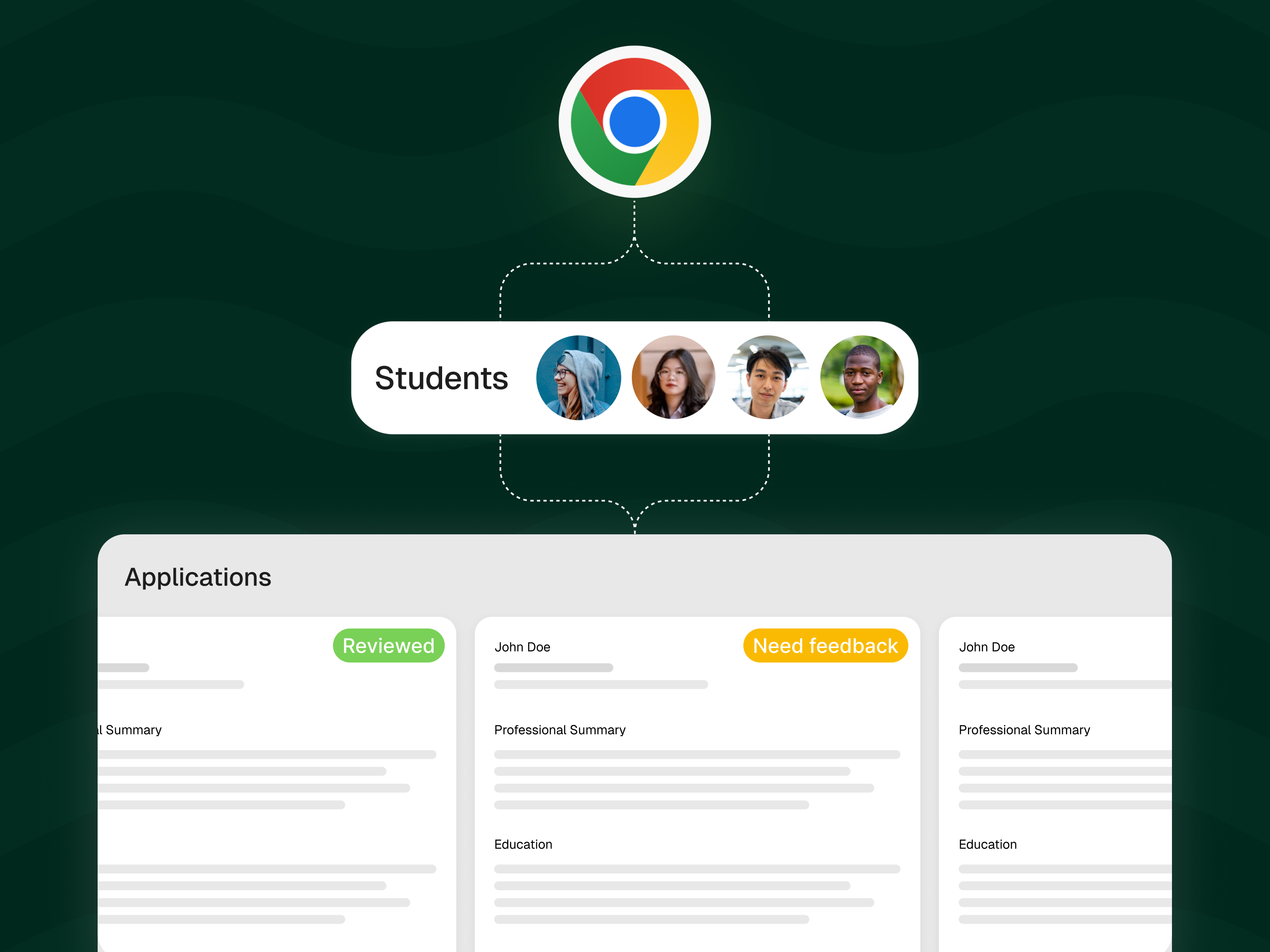
A Chrome extension captures job applications automatically. Students stay organized. Advisors see who's active and who needs a nudge.
Faster job searches
Manual data entry for students
Visibility into student activity
The Problem
Students apply everywhere and keep track of nothing
The average job seeker sends 50 to 100 applications before landing an offer. Most students use a browser tab and memory to track where they applied. They forget to follow up. They apply to the same company twice. They lose track of deadlines.
For advisors, the problem is worse. You have no idea which students are actively searching, which are stuck, and which have stopped trying. By the time a student comes to you for help, weeks have been wasted.
Institutions need visibility into student job search activity in order to intervene early. Spreadsheets and self-reported surveys don't cut it.
“We had no idea which students were actively applying and which had given up. By the time we found out, it was too late to help.”
How It Works
From scattered applications to organized pipeline in seconds
Install the Chrome Extension
Students add a lightweight browser extension. It sits quietly in the background and activates when they apply to a job on any website.
Applications Are Captured Automatically
Job title, company, posting URL, and date are saved without any manual entry. Students see their pipeline grow as they apply.
Advisors See Everything
Your team gets a dashboard showing student-level activity: who is applying, how often, and where. Flag inactive students and intervene before they fall behind.
Auto-Capture
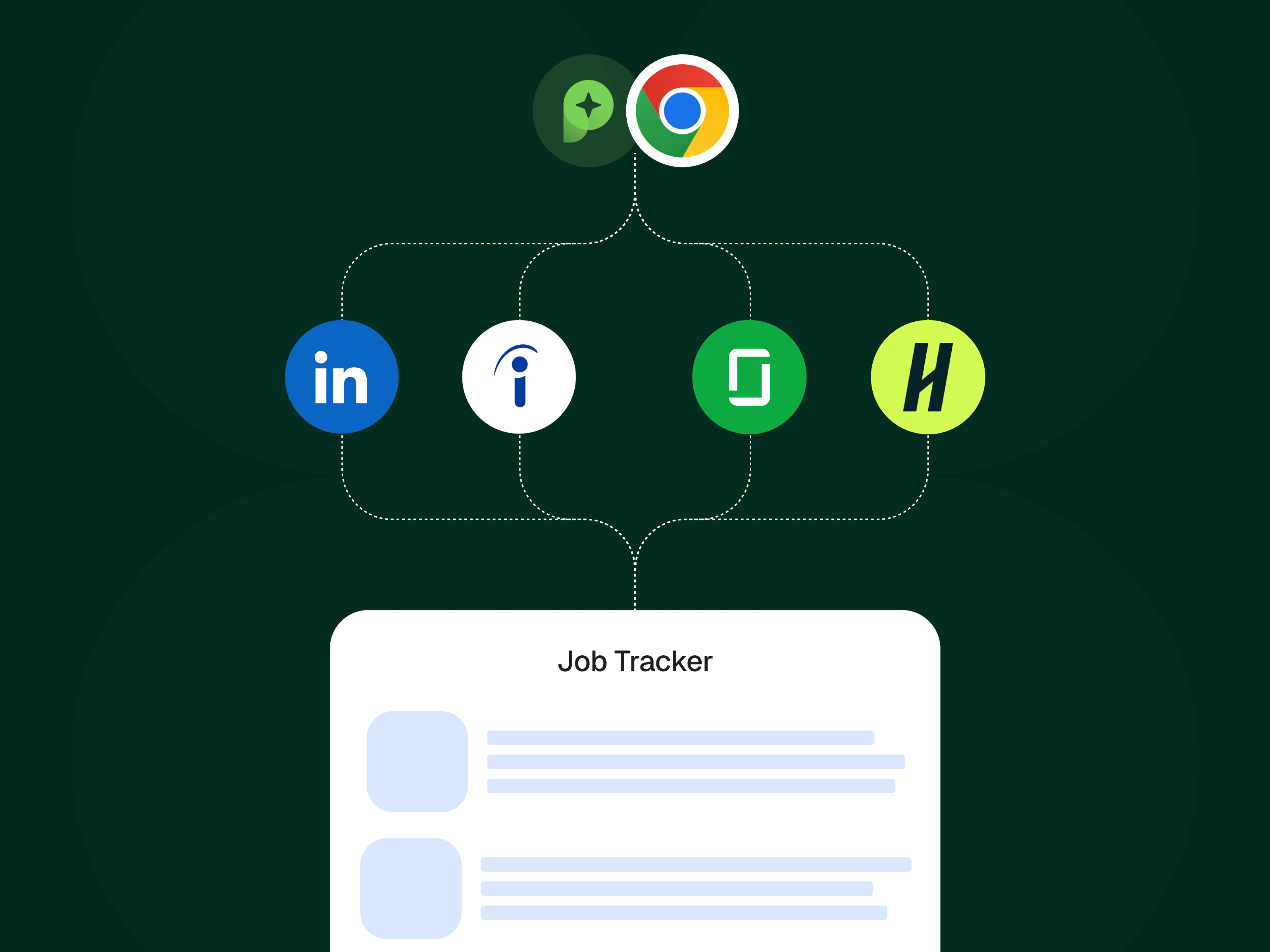
Apply on any site, tracked instantly
The Chrome extension detects when students submit job applications across LinkedIn, Indeed, Glassdoor, Handshake, and company career pages. No forms. No spreadsheets. Every application is captured the moment it happens.
- Works on all major job boards and company sites
- Captures job title, company, URL, and date
- Students can add notes and update status manually too
Visual Pipeline
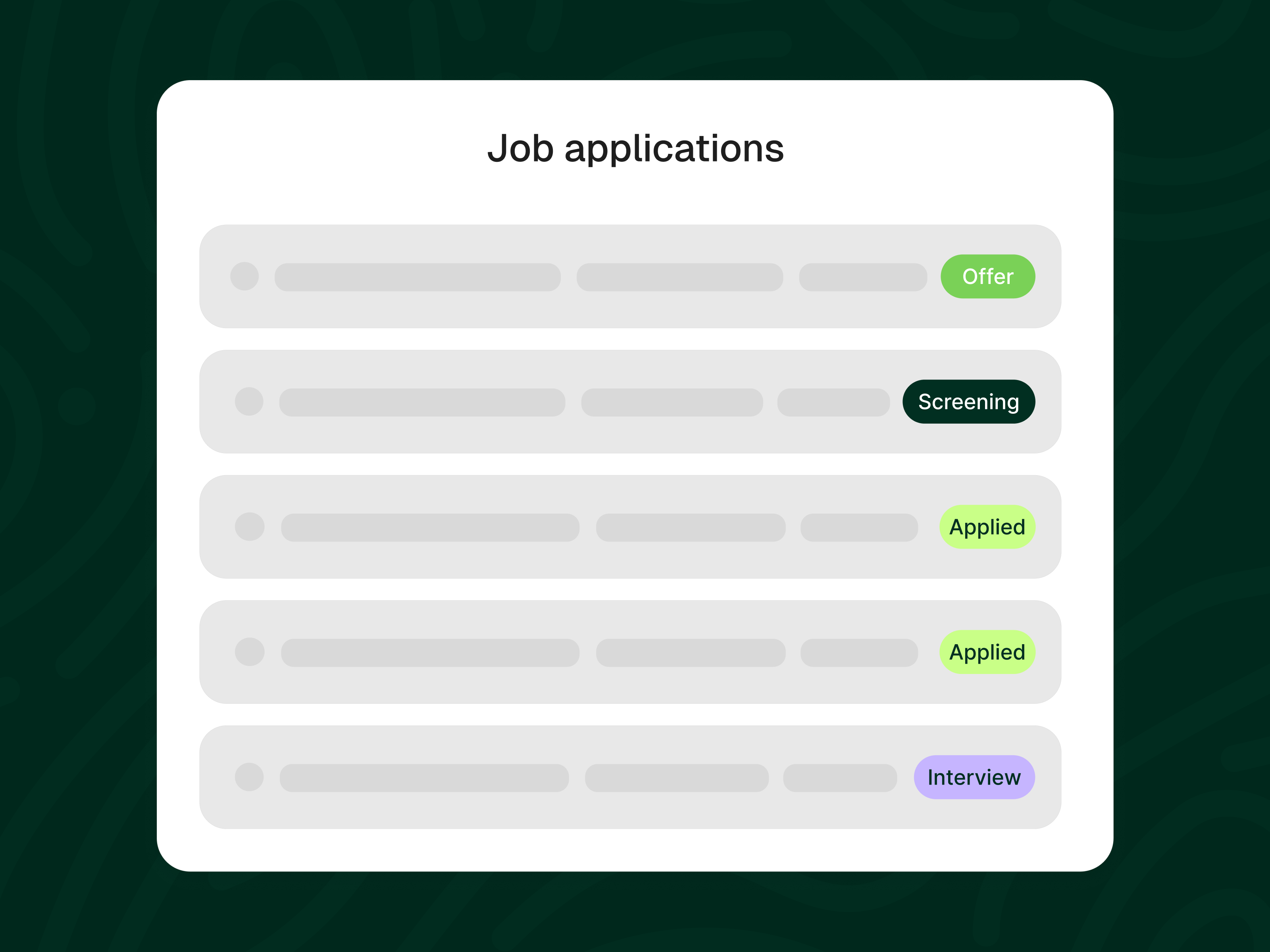
Every application organized from applied to offer
Students see their entire job search in one dashboard. Applications move through stages: Applied, Screening, Interview, Offer. No more forgotten follow-ups or missed deadlines.
- Drag-and-drop status updates
- Follow-up reminders so nothing falls through
- Connected to AI Mock Interviews for job-specific prep
Advisor Visibility
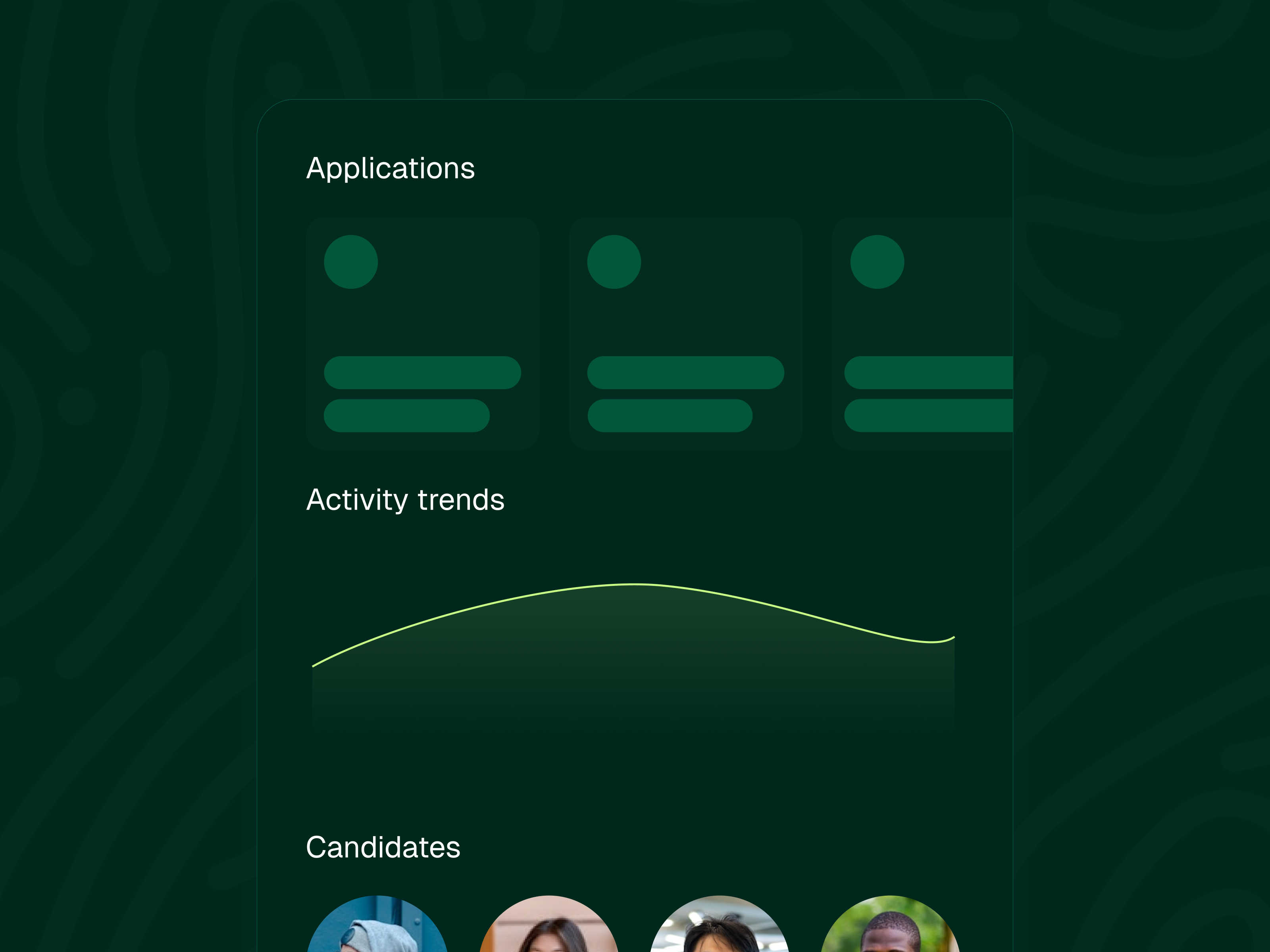
See who's searching and who's stuck
Your team gets a bird's-eye view of student job search activity. See application counts, activity trends, and identify students who haven't applied in weeks. Intervene early instead of reacting late.
- Filter by program, cohort, or activity level
- Flag inactive students automatically
- Track application-to-interview conversion rates
See the Job Tracker and Chrome extension in action
Watch a student save a job and track it through the pipeline in under 2 minutes.
Book a DemoJob Tracker vs. spreadsheets and surveys
Without Prentus
- Students lose track of where they applied
- Advisors have no idea who is actively searching
- Spreadsheets with half the data missing
- No connection between applications and prep tools
- At-risk students are invisible until it is too late
With Job Tracker
- Chrome extension captures every application automatically
- Advisors see real-time student activity dashboards
- Visual pipeline tracks every stage from applied to offer
- Tracked jobs feed into AI Mock Interviews and Resume Builder
- Flag inactive students before they fall behind

54% faster job searches across Prentus institutions. Students using the Job Tracker and connected AI tools received offers in 8 weeks on average, compared to 13 weeks for students using traditional methods.
Read Case StudyCommon questions about Job Tracker
How does the Chrome extension work?
Students install a lightweight Chrome extension. When they apply to a job on any job board or company career page, the extension captures the job title, company, URL, and application date automatically. No manual data entry.
Can advisors see student job search activity?
Yes. Advisors get a dashboard showing which students are actively applying, how many applications each student has submitted, and which students may need support. You can filter by program, cohort, or activity level.
Does it work with all job boards?
The extension works across all major job boards including LinkedIn, Indeed, Glassdoor, Handshake, and individual company career pages. It captures applications regardless of the source.
How does it connect to other Prentus features?
Tracked jobs feed directly into the AI Mock Interviewer for job-specific interview practice and the AI Resume Builder for tailored resume versions. The entire job search workflow stays connected.
Give your team visibility into every student's job search
See how the Job Tracker helps students stay organized and gives advisors the data they need to intervene early. Schedule a 30-minute demo.