
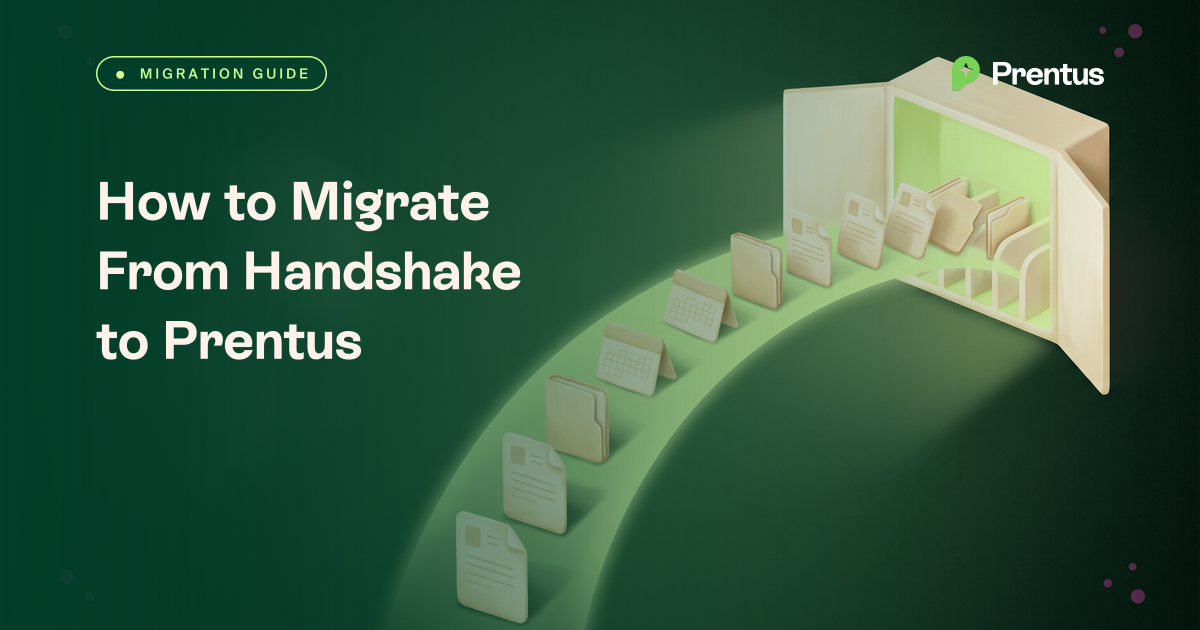
To move from Handshake to Prentus, download your reports from Handshake Insights, ask your Handshake account manager for anything Insights does not cover, and share the files with Prentus. Prentus maps and loads students, appointments and notes, employers, jobs, applications, events, first-destination outcomes, resumes and custom fields.
What does a Handshake to Prentus migration involve? It is a one-time move of your career center's records out of Handshake and into Prentus. Staff with the "Analytics: Access" and "Analytics: Manage" permissions can download most tables from Handshake Insights, the reporting tool that replaced Analytics when Handshake retired it on August 17, 2026. Files come out as XLSX or as CSVs in a ZIP file. Public resumes come out through the resume book, at up to 500 students per download. Handshake documents no bulk export for general student notes or private documents, so those go in a request to your Handshake account manager. Prentus then maps the files to its structure and loads them, matching students by student ID or email. The import is free for every Prentus customer, and students can be live in as little as 24 hours after Prentus receives your files. Prentus is the career outcomes platform for colleges, universities and career schools.
This guide is based on Handshake's public help center and policies as we read them on October 14, 2026. Menus and permissions change, and your signed contract has the final word. Each fact links to its source.
What you can export from Handshake yourself
Insights reports and quick downloads
Insights is Handshake's reporting tool. It replaced Analytics, which Handshake retired on August 17, 2026, so saved Analytics links no longer work. Reporting data refreshes nightly (Insights vs Analytics).
- Permissions first. Building and exporting reports needs the "Analytics: Access" and "Analytics: Manage" permissions. Staff without them ask your school's Handshake administrator (Getting Started with Reporting).
- Quick downloads. On the Students, Employers and Appointments pages, choose File, then Download, then XLSX or "CSVs in a ZIP file". Pre-built reports and custom reports export the same way.
- All rows. In a custom query, "Download results" lets you download all rows or only the rows the current limit allows. Pick all rows (The Art of Reporting).
Scheduled deliveries for large exports
For big tables, Insights can deliver a report to email, Amazon S3, SFTP or a webhook, now or on a schedule. Delivery to S3 or SFTP needs one more staff role, "Schedule Reports to File Storage". Handshake notes that deliveries can arrive up to 15 minutes late (Insights Scheduled Reports).
Public resumes
The resume book is the documented bulk route for documents. Go to Students, then Manage, filter on "Has public resume", then use More to download public resumes as a PDF or a Zip. Each download covers up to 500 students (Download a Student Resume Book). Only one document per student can be public at a time, so students who never made a resume public are not in the book (Understanding Document Visibility).
First-destination responses
The FDS Responses page has a quick "Download report" option and a bulk download to a spreadsheet (FDS Responses tab).
The EDU API
Handshake's help center documents an EDU API with 30 tables, including students, appointments, events, event attendance, employers, contacts, jobs, applications and first-destination responses. The appointments table carries a notes field (EDU API Endpoint Definitions). The public help center does not explain who gets access or what the rate limits are. Ask your Handshake account manager whether your school has access. You do not need it to move to Prentus.
What to ask your Handshake account manager for
Handshake's public help center has no offboarding or data-return article. Its privacy policy describes deleting institution data on request, not returning it (Handshake privacy policy). Email your account manager early and ask for the items below in one request.
- General student notes. Student profiles have a Notes tab, and no bulk export for it is documented. Ask your account manager how to get them.
- Private documents. Career staff with permission can view every document, but a bulk download of private documents is not documented. Ask your account manager.
- Full appointment notes history. The "Recent Appointment Notes" report exists, but whether a full history comes out in one pull is not documented. Ask your account manager.
- Anything Insights misses. Ask for a full export of the historic data your reports do not cover.
- Your contract terms. Ask your account manager what your signed agreement says about returning your data when the contract ends.
Things to plan for
- Students own their accounts. Handshake states that "students retain ownership of the data they upload to Handshake" (Data Ownership in Handshake). Claimed accounts stay with the student after your school leaves.
- Archiving is not deleting. An archived student who logs in becomes an unaffiliated job seeker and can ask to reconnect (What happens when I archive a student).
- Tell students to save their documents. When UCLA's career center left Handshake, its notice told students to download their own documents before its access ended (UCLA Career Center).
- Sensitive fields. The students table includes gender, ethnicity, GPA and card ID (EDU API Endpoint Definitions). Treat those columns as protected student records in your transfer plan.
- Staff can only see affiliated students. Activity from before a student joined your school shows only in Insights, not on the profile summary (Getting Started with Reporting).
Plan your move
Walk through your Handshake export with us
Book a demo and we will look at what your team can export today, what to request from your account manager, and how it lands in Prentus.
What moves from Handshake to Prentus
Everything in this table can come over. The middle column shows the documented Handshake route for each object.
| What moves | How you export it from Handshake | What Prentus does with it |
|---|---|---|
| Students and alumni | Insights Students topic, or a quick download from the Students page | Matched by student ID or email, then loaded as student records |
| Appointments and notes | Insights Appointments topic and the "Recent Appointment Notes" report. Ask your account manager for general notes | Loaded as appointment history with notes |
| Employers and contacts | Insights employer reports, or a quick download from the Employers page | Loaded as employers and their contacts |
| Jobs and applications | Insights job and application reports, such as "Jobs by Employer" | Loaded as jobs with their applications |
| Events and attendance | Pre-built "Student Event Checkins" and "Student Career Fair Checkins" reports | Loaded as events with attendance |
| First-destination outcomes | FDS Responses page download | Loaded as first-destination outcomes |
| Resumes and documents | Resume book, up to 500 students per download. Ask your account manager for private documents | Loaded with the matching student |
| Custom fields | Labels and other fields in the reports you export | Mapped to Prentus fields |
Step-by-step plan
- Name one owner. Give one staff member the two Analytics permissions, plus "Schedule Reports to File Storage" if you want S3 or SFTP delivery.
- Export the core tables. Download students, appointments, employers, contacts, jobs, applications, event check-ins and FDS responses from Insights. Choose all rows and CSVs in a ZIP file.
- Pull public resumes. Download the resume book in batches of 500 or fewer, and tell students to save their own documents.
- Email your account manager. Request general notes, private documents and any history Insights does not cover.
- Share the files with Prentus. Use whatever transfer method suits your team.
- Prentus maps and loads. Students are matched by student ID or email. Your team approves any transfers from existing Prentus accounts.
- Review and sign off. Spot-check counts and a few student records against Handshake.
- Invite students. Students can be live in as little as 24 hours after Prentus receives your files. Keep Handshake running until they are in.
What Prentus does on its side
Your team exports what it can, or asks the Handshake account manager for a full export, and signs off on the result. Prentus maps the data to its structure and loads it.
- Any format. Prentus accepts what your export produces, including CSV, XLSX and ZIP files of documents.
- Student matching. Students are matched by your student ID when you have one, otherwise by email.
- Existing Prentus users. Students who already have a Prentus account move into your community through a transfer queue that your team approves.
- File handling. Share the files however you like. Prentus stores them once and deletes them after the import.
- Timing. From the time Prentus receives your files, students can be live in as little as 24 hours.
- Cost. The one-time import is free for every customer. Re-runs are handled case by case.
- Your own pull. Teams that prefer to do the work themselves can use the Prentus APIs. See Prentus integrations.
The import is one part of a wider rollout. See how Prentus works with your team, and read our guide to Handshake alternatives for small colleges if you are still comparing options. If first-destination data is a priority, read how schools compare first-destination surveys with automated outcomes scanning.
Moving from a different system
- How to migrate from Symplicity CSM to Prentus
- How to migrate from 12twenty to Prentus
- How to migrate from PeopleGrove to Prentus
- How to migrate from EAB Navigate to Prentus
Sources
All sources read October 14, 2026.
- Handshake, Insights vs Analytics
- Handshake, Getting Started with Reporting on Handshake
- Handshake, Insights, The Art of Reporting
- Handshake, Insights Scheduled Reports
- Handshake, Download a Student Resume Book
- Handshake, Understanding Document Visibility
- Handshake, FDS Responses tab
- Handshake, EDU API Endpoint Definitions
- Handshake, Data Ownership in Handshake
- Handshake, What happens when I archive a student
- Handshake privacy policy
- UCLA Career Center, Handshake resources
Handshake is a trademark of its owner. This guide describes public documentation and is not affiliated with or endorsed by Handshake.